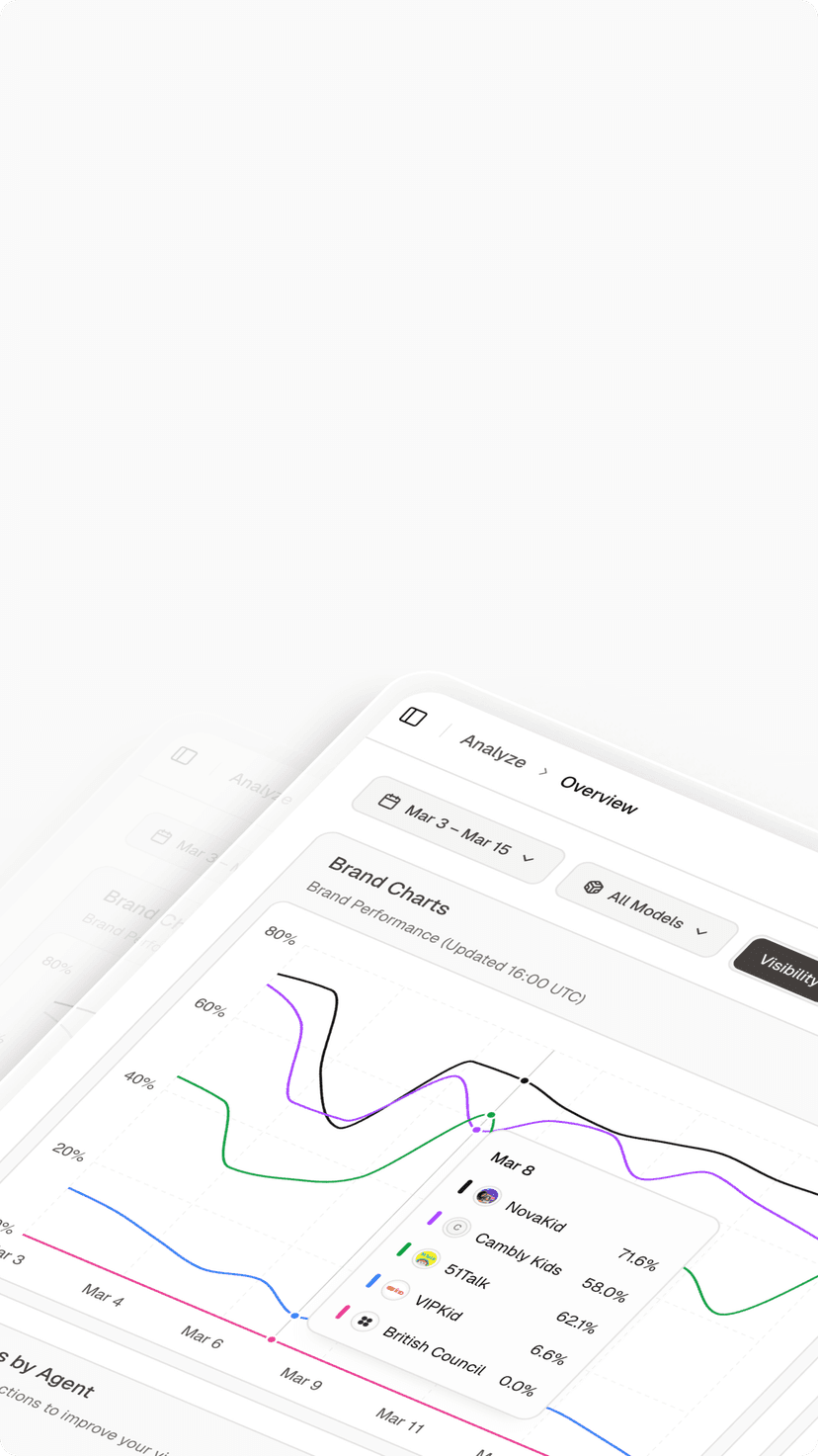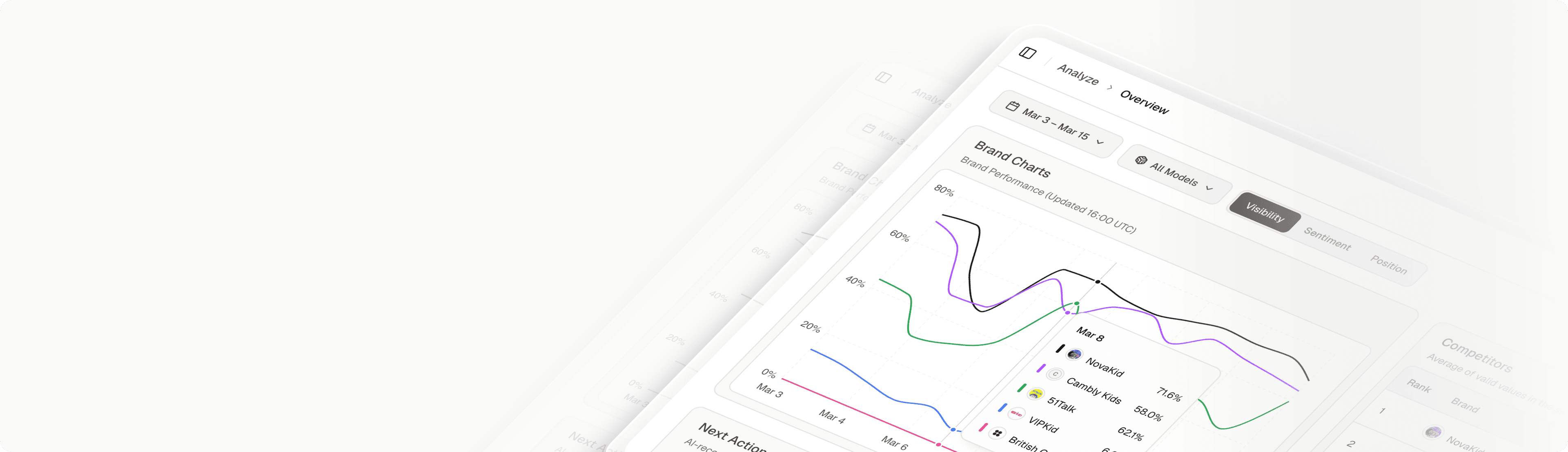

The first version of AI search monitoring at most companies looks the same. Someone opens ChatGPT, types five questions about the brand, screenshots the answers, and drops them in a Slack channel. Two weeks later the answers have changed, there’s no record of what they used to say, and Perplexity is citing a completely different set of sources.
The problem isn’t that you can’t check. It’s that spot checks aren’t a system. AI answers drift with every model update, and without historical search monitoring across Google, ChatGPT, and Perplexity, the data you collected today is stale by next month.
Your Rank Tracker Covers a Shrinking Slice of Search
Traditional rank trackers were built for the ten blue links era, where a URL’s position was a fixed coordinate on a results page. That paradigm is collapsing. As of early 2026, roughly 68% of Google searches end without a click, and when AI Overviews are triggered, that zero-click rate jumps to 83%.
Here’s what that means in practice. Your tracker tells you whether a page ranks. It says nothing about what the AI summary above your listing says about your brand, or whether you’re cited in it at all. Those summaries are generated in real time based on prompt context, so there’s no “position” to track in the legacy sense.
This creates what some teams call the green dashboard illusion. A brand can hold the #1 organic spot while being completely absent from the AI answer sitting on top of it. Rankings look healthy, traffic quietly erodes, and nothing in the existing report explains why.
That gap doesn’t show up in any rank tracker you currently run.
What Search Monitoring Means When Search Spans Three Engines
Search monitoring used to mean one thing: where do my pages rank. In 2026 it means three different things, because the three engines that matter behave in three different ways.
| Dimension | Google AI Overviews | ChatGPT | Perplexity |
|---|---|---|---|
| What drives visibility | Entity trust and schema extraction | Consensus and consistent info across reputable sources | Niche expertise and real-time sources |
| What to monitor | AI Overview citation rate alongside SERP position | Brand mention frequency and sentiment | Citation rate and link-through traffic |
| Traffic behavior | Mostly zero-click | Influence, rarely direct clicks | Inline numbered citations, most actionable for referrals |
Google’s AI Overviews reward entity trust. Monitoring here means verifying that your structured data and content actually get synthesized into the summary box, not just that your page ranks beneath it.
ChatGPT behaves more like a knowledge graph assistant. It rewards broad, consistent information across the web, so the metrics that matter are mention frequency and sentiment, not position on a page.
Perplexity acts like a research assistant with footnotes. Its inline citations make it the most directly trackable for traffic, which means link-based attribution should be your monitoring priority there.
Three engines, three behaviors, three sets of metrics. Trying to read all of that through a rank tracking lens is how teams end up with data they can’t act on.
Step 1: Decide Which Prompts Are Worth Monitoring
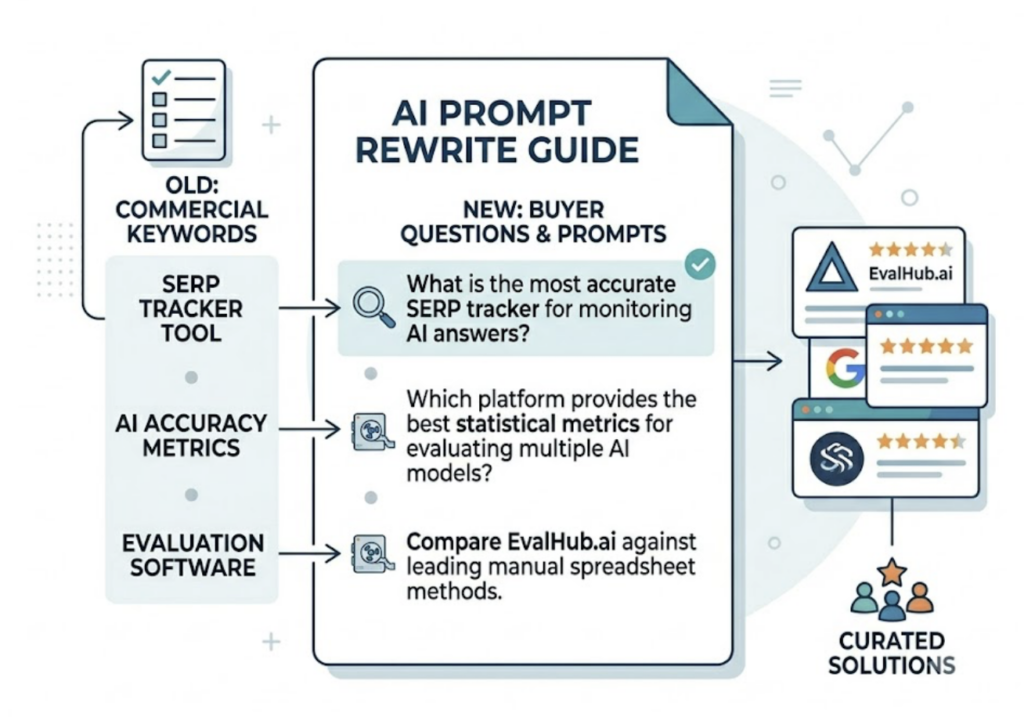
The unit of search monitoring has shifted from keywords to prompts. Users don’t type “project management software agency” into ChatGPT. They ask, “What’s the best project management software for a 10-person agency?” That full question, with its context and constraints, is what determines which brands get named.
Start with your existing commercial keyword list and rewrite each entry as the questions a real buyer would ask an AI assistant. Prioritize recommendation queries, the prompts where users explicitly ask for products or solutions, because those are the answers that directly shape purchase decisions.
Then think about scale. A handful of prompts produces anecdotes, not data. The practical baseline is 100 to 250 high-value prompts, enough to make visibility trends statistically meaningful rather than noise.
You don’t have to build that list by guesswork. Topify includes High-Value Prompt Discovery, which surfaces the high-volume prompts already circulating in your category and keeps adding new ones as AI recommendation patterns shift. If you want to scope the work before committing to a platform, this reference list of free GEO tools covers lighter options for initial prompt and visibility checks.
Step 2: Connect Google, ChatGPT, and Perplexity in One View
This is where most homegrown setups fall apart. Teams end up with a rank tracker for Google, a spreadsheet of ChatGPT screenshots, and a browser bookmark folder for Perplexity. Three tools, three data formats, no shared timeline. When visibility moves, nobody can say which engine moved or when.
A unified dashboard has two non-negotiable requirements.
First, cross-engine alignment. The same prompt set has to run against Google, ChatGPT, and Perplexity simultaneously. That’s the only way to compare how different models interpret your brand authority, and to spot cases where you’re strong in one engine and invisible in another.
Second, historical continuity. AI answers drift as models update and retraining shifts source weighting. Without recorded snapshots, you can’t tell whether a visibility drop came from your site or from a model-side change. That distinction decides whether you fix content or simply wait.
In Topify, this setup takes one configuration pass: create a project, load your prompt set, and select engines. The platform tracks ChatGPT, Perplexity, and Google AI Overviews from a single project, and the Basic plan processes up to 9,000 AI answer analyses across 100 prompts, enough volume to make week-over-week comparisons reliable instead of anecdotal.
Step 3: Set Baselines, Alerts, and a Weekly Review Loop
Monitoring without a baseline is just watching numbers move. Spend your first 30 days recording three starting values for every prompt group: visibility (how often your brand appears), sentiment (how AI describes you when it does), and citation rate (how often your domain is the source).
After that, the loop is weekly. Check which prompts gained or lost mentions, then trace the why. This is where Source Analysis earns its place: when an engine stops citing you, you can see which competing domains it now cites instead, which turns a vague “we dropped” into a specific content gap with a named competitor attached.
Set alerts on the metrics tied to revenue, not vanity. A sentiment shift on your top 20 recommendation prompts matters more than a mention count change on informational queries.
Baseline it. Review it weekly. Act on the source data.
The Mistakes That Make Search Monitoring Data Useless
Three failure patterns show up repeatedly in early monitoring setups.
The one-and-done error. Checking once a quarter is functionally the same as not checking. Model behavior can shift weekly, so quarterly snapshots capture states that no longer exist by the time anyone reads the report.
Competitive blindness. Monitoring your own brand in isolation hides the most important signal. If your visibility drops, the first question is whether a competitor’s rose on the same prompts. That pattern reveals the AI model changed its preferred source for that query, which is a very different problem than a general visibility decline. Topify’s Competitor Monitoring detects rivals automatically and benchmarks visibility, sentiment, and position side by side, so this comparison is built into the same view rather than a separate research task.
The ranking fallacy. Forcing AI visibility into a rank tracker format dilutes the data. AI answers are probabilistic. The honest metric is share of voice across many answer generations, not a deterministic 1 to 100 position. Teams that insist on a single “AI rank” number end up optimizing for a metric the engines don’t actually produce.
One Dashboard, Two Search Worlds: Where Topify Fits
The recommendation that emerges from all of this isn’t to replace your SEO stack. It’s to add an AI layer on top of it, and consolidate that layer in one place instead of three.
Topify is built around that consolidation. It tracks brand performance across ChatGPT, Gemini, Perplexity, DeepSeek, and other major engines through seven metrics: visibility, sentiment, position, volume, mentions, intent, and CVR. In practice, that means the workflow described in Steps 1 through 3 lives in a single interface. You can watch a ChatGPT mention drop, trace it to a source that stopped citing your brand, and see which competitor took the slot, without switching tools or reconciling exports.
It also closes the gap between seeing and acting. One-Click Execution lets you state a goal in plain English, review the proposed strategy, and deploy it directly, so a citation loss turns into a content fix in the same session rather than a ticket in someone’s backlog. Most monitoring tools stop at the dashboard. The teams getting results treat monitoring as the input to execution, not the output.
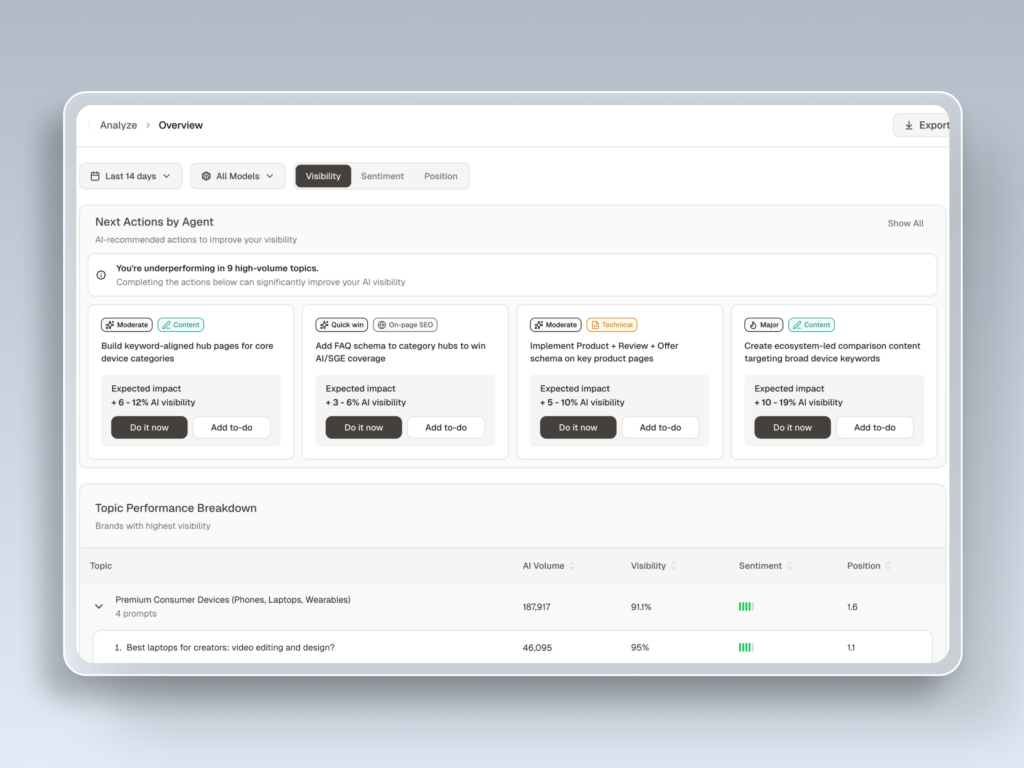
Pricing starts at $99/month for the Basic plan, which covers the 100-prompt, three-engine setup outlined above, with a 30-day trial. You can get started with Topify and have a baseline running the same day.
Conclusion
The screenshot folder was never the real problem. The missing system was. Search behavior now splits across Google, ChatGPT, and Perplexity, each with its own visibility mechanics, and any monitoring approach that can’t align the same prompts across all three on one timeline will keep producing data nobody trusts.
The setup is genuinely a three-step job: pick 100 to 250 high-value prompts this week, run them across all three engines in one dashboard, and lock in a 30-day baseline. Everything after that is a weekly review habit.
FAQ
Q: What’s the difference between search monitoring and rank tracking?
A: Rank tracking measures where a URL sits on a results page. Search monitoring also covers AI engines, where the metrics are brand mentions, sentiment, citations, and share of voice rather than a numbered position. Rank tracking is a subset of modern search monitoring, not a substitute for it.
Q: How often do ChatGPT and Perplexity answers change?
A: Answers can shift weekly or faster, driven by model updates, retraining, and changes in which sources the engines weight. That’s why historical snapshots matter: without them, you can’t separate a model-side change from a problem with your own content.
Q: Can I monitor Google and AI search in the same tool?
A: Yes. Platforms like Topify run the same prompt set across Google AI Overviews, ChatGPT, and Perplexity in one project, so traditional and AI visibility share a timeline instead of living in separate reports.
Q: How many prompts should I monitor to start?
A: Aim for 100 to 250 high-value prompts, weighted toward recommendation queries with commercial intent. Fewer than that and trends get lost in the natural variance of AI-generated answers.