
Your client’s AI Max campaign drove a quarter of last month’s conversions. Then they ask the obvious follow-up: which searches, which headlines, and which landing pages produced them? You open four reports, export three CSVs, and still can’t draw a straight line from query to click. Google’s latest update targets that gap directly. Google is bringing the closed beta of AI Brief to Dutch, French, German, Italian, Japanese, Portuguese, and Spanish, and introducing a new reporting feature for a clearer view of AI-driven performance. The controls are getting sharper, and the numbers are getting clearer. What matters now is reading the right ones.
What Google AI Brief Changes Inside AI Max
Start with the foundation. AI Max isn’t a campaign type. It’s an optimization layer inside an existing Search campaign, with three components you can toggle independently. Its search term matching uses broad match and keywordless technology to expand beyond your keywords, while asset optimization customizes ad copy and uses Final URL Expansion to send users to pages Google judges more relevant.
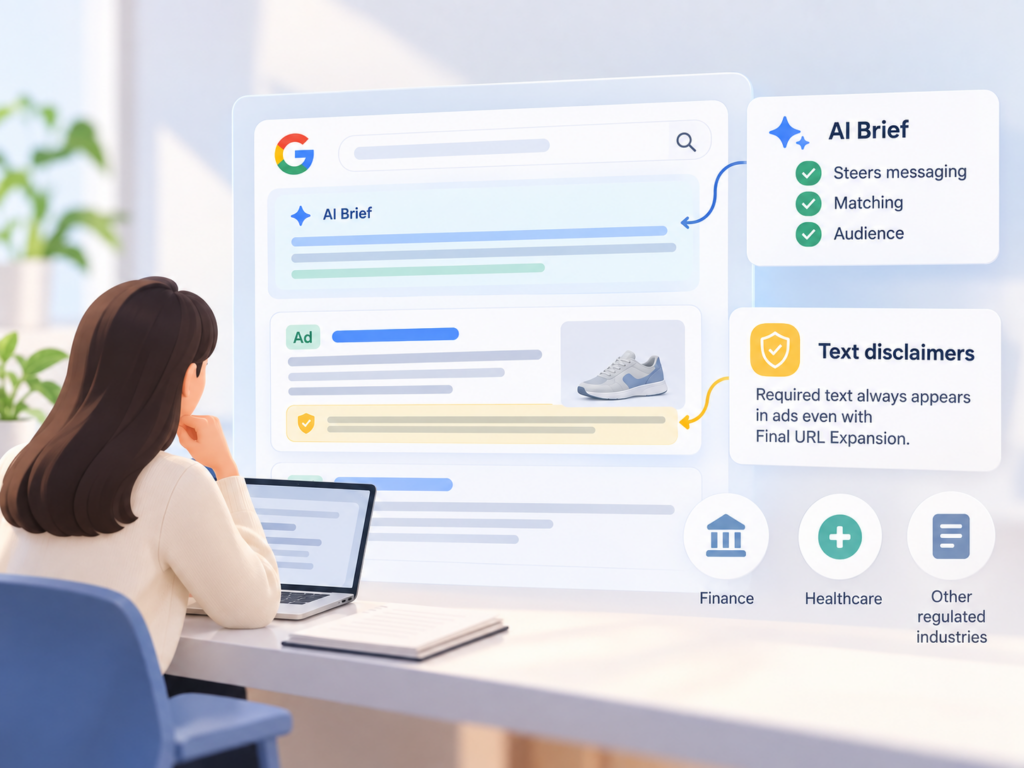
Google AI Brief sits on top of that layer. Powered by Gemini, it lets you steer AI Max in your own words by giving it context on your business, what your messages should say, and who you want to reach. Google splits the input into three guideline types:
| Guideline | What you tell Google | Example from Google |
|---|---|---|
| Messaging | What ads should and shouldn’t say | Never mention prices |
| Matching | Which searches to capture or avoid | Avoid searches for in-person degrees |
| Audience | Who to reach and how to tailor messages | For health-conscious users, highlight clean products |
The examples in that table come from Google’s AI Brief announcement page and the AI Max Turns 1 post. You also get a review step. AI Brief shares previews of sample assets and searches so you can give feedback and iterate before committing, and existing text guidelines automatically move into messaging guidelines.
Matching guidelines work differently from negatives. WordStream’s breakdown notes that they’re broad direction rather than keyword lists: instead of excluding “free” and “cheap,” you’d say you’re a premium brand that wants to avoid discount-seeking queries.
Here’s the thing: a brief is guidance, not a guarantee.
Google says AI Brief steers messaging, matching, and audience in your own words, but it hasn’t said those guidelines act as hard exclusions. For required legal copy, the hard guarantee is a separate feature. Google launched text disclaimers so required text always appears in ads while advertisers still use Final URL Expansion. That matters for finance, healthcare, and any vertical where a missing disclosure is a compliance problem, not a copy problem.
AI Max Reporting Today Lives in Four Separate Places
Before the new view arrives, you’re working across multiple surfaces. Google’s help documentation lists the search terms report, the keyword report, the asset report, and the landing pages report as the reporting options for AI Max.
Each one answers a different slice of the question. The search terms report includes a source column that separates traffic your own keywords earned from traffic surfaced by AI Max’s broad match expansion or keywordless matching. Within that report, you can also analyze the search term, headline, and URL together.
What the search terms report can’t do is give you AI Max’s share of total conversions. Search Engine Land’s walkthrough points to a better place: the Keywords tab summary rows, which break out your keywords, AI Max expanded matches, and AI Max landing page matches. The math is simple. If a campaign generated 100 conversions and 24 came from AI Max expanded and landing page matches combined, AI Max represents 24% of total conversions.
The visibility is still partial. In practice, you’re stitching together a story from pieces that weren’t designed to connect. One practitioner running a head-to-head test found that AI Max traffic gets its own match type, a source column, and two footer rows in the keywords report, but low-volume queries stay hidden and totals overlap with exact and phrase keywords. That’s a lot of manual reconciliation for a feature Google is now making the default.
The Unified AI Max Report Connects Query, Creative, and Page
The new reporting feature is designed to close that loop. Google says it will show a single, unified view of the Search ads journey, covering what search terms triggered your ads, which creative assets the user saw, and where they landed on your website.
The timing isn’t accidental. Between September 1 and 30, 2026, Google is automatically upgrading Search campaigns using campaign-level broad match or Automatically Created Assets to AI Max. Dynamic Search Ads follow later, with that sunset and auto-upgrade starting in February 2027. A lot of accounts are about to run AI Max whether their owners planned for it or not.
| Question you need answered | Today | With the unified report |
|---|---|---|
| Which query triggered the ad | Search terms report | One view |
| Which generated headline showed | Asset report plus search terms columns | One view |
| Which page Google chose | Landing pages report | One view |
| AI Max share of conversions | Keywords tab footer rows | Still worth checking separately |
Don’t mark your calendar yet. The unified report is announced, not available, and until it ships, AI Max reporting stays split across the search terms, assets, and landing page reports.
Also keep the scope in mind. The feature traces what appeared and where a visitor landed. That’s journey visibility, not proof of incrementality. For lift, Google Experiments is still the right tool, since it splits traffic 50/50 between a campaign with AI Max enabled and one without.
Five AI Max Reporting Numbers Worth Putting in Your Next Deck
The unified view will make these easier to pull. You don’t need to wait for it to start tracking them.
| Number | Where to find it now | What it tells you |
|---|---|---|
| AI Max share of conversions | Keywords tab footer rows | How dependent the campaign is on expansion |
| Match source split | Search terms source column | Broad match expansion vs. keywordless reach |
| Generated asset performance | Asset report, Google AI label | Whether customized copy stays on brand |
| Final URL Expansion page share | Landing pages report | How often Google overrides your chosen URL |
| Measured lift vs. Google benchmark | Experiments | Whether your results match Google’s claims |
Two of these deserve extra attention. On match source, smec’s bulk study found that broad match and keywordless expansion often share a roughly 50/50 contribution to the campaign. On generated copy, generated assets carry a Google AI label in reporting, so you can review their performance and consistency with your brand, offer, and claims.
Then there’s the benchmark. Google says advertisers that activate AI Max typically see 14% more conversions or conversion value at a similar CPA or ROAS, based on 2025 internal data for non-Retail advertisers. For campaigns still mostly using exact and phrase keywords, Google puts the typical uplift at 27%. Treat those as a hypothesis to test, since Google’s lift numbers aren’t always backed up by outside testing.
The downside scenario is real too. In one account smec reviewed, AI Max scaled into competitor traffic so aggressively that it took over 69% of total Search impressions. That’s exactly the kind of drift a well-written matching guideline, plus a weekly look at the source column, should catch early.
Google AI Brief Governs the Ad. Nothing Governs the AI Answer.
This is the gap most AI Max reporting conversations skip.
Google AI Brief controls what Google’s AI says about you inside a paid ad. It doesn’t touch what AI Overviews, AI Mode, ChatGPT, Gemini, or Perplexity say about you in an organic answer. Those answers get written with no brief, no messaging guidelines, and no preview step. The same buyer often sees both on the same day.
That creates a consistency problem you can’t see in Google Ads. Your ad says “enterprise-grade security.” The AI answer above it calls you “a budget option for small teams.” The unified report will faithfully show the query, the headline, and the landing page. It won’t show the answer the user read before they clicked, or the competitors that answer recommended instead.
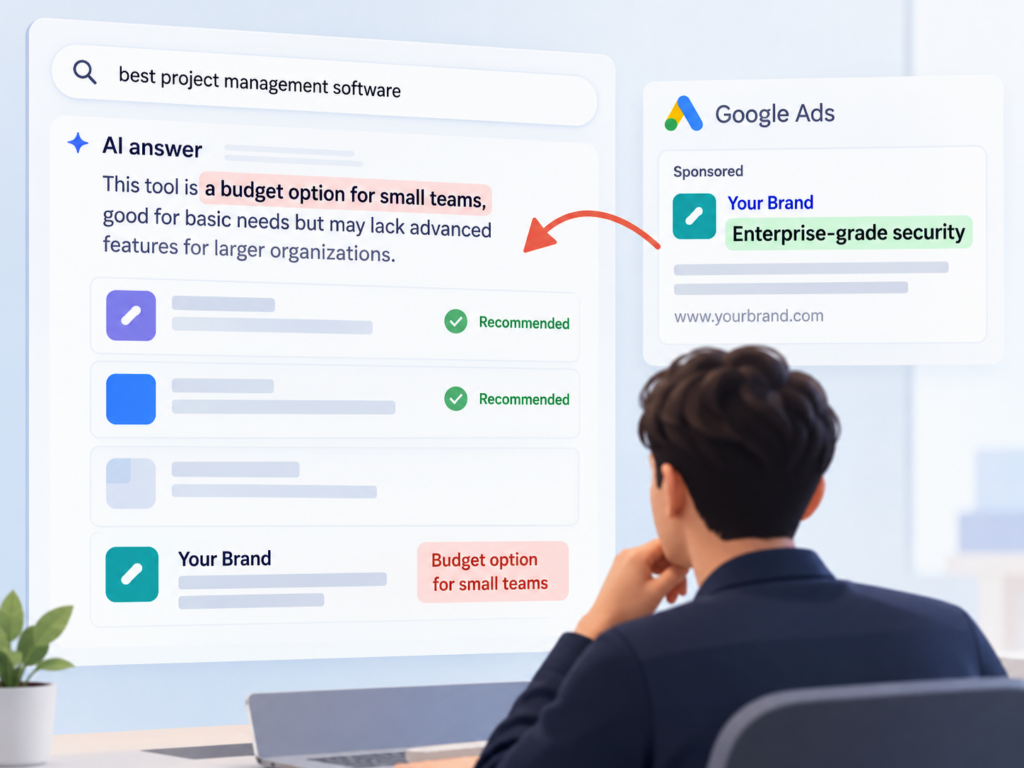
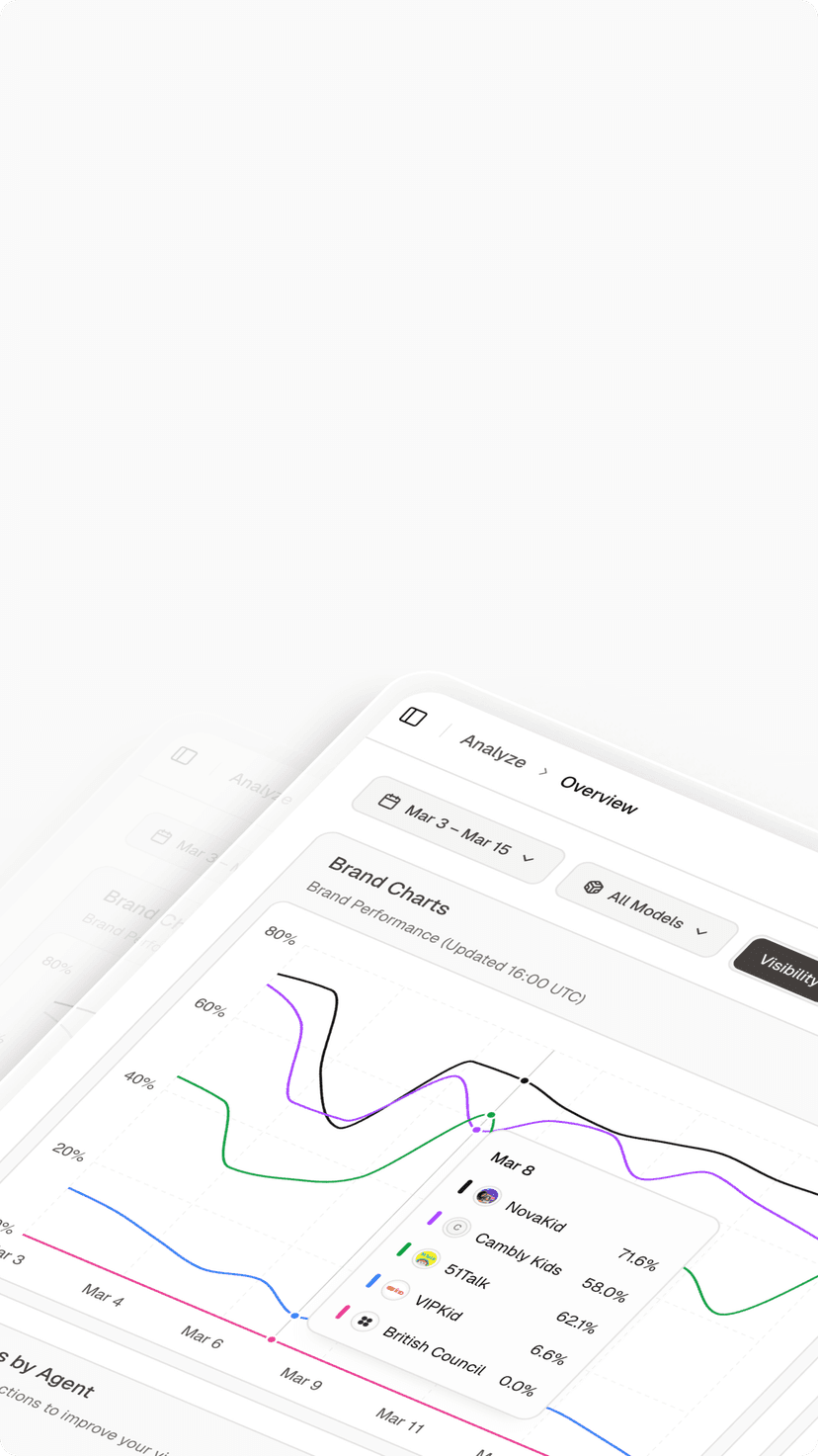
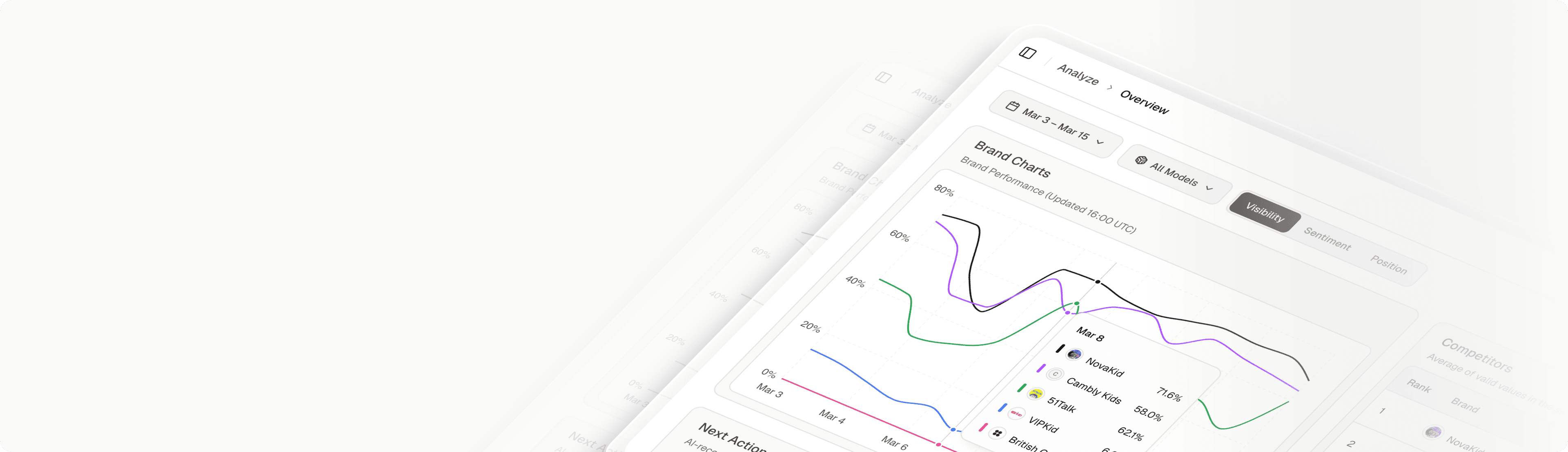
Closing that gap takes a different data source. Topify tracks how AI platforms including ChatGPT, Gemini, Perplexity, and Google AI Overviews mention and describe your brand, across seven metrics: visibility, sentiment, position, volume, mentions, intent, and CVR. In practice, a paid search team can see whether AI answers position the brand the same way the ads do, which domains those answers cite, and which competitors show up first. When a sentiment score drops or a rival starts appearing ahead of you, you can trace it back to the specific sources AI is pulling from. That’s the context your AI Max reporting doesn’t carry.
How to Write a Better Google AI Brief With AI Visibility Data
The strongest briefs aren’t written from brand guidelines alone. They’re written from evidence about how buyers and AI systems already talk about your category.
Messaging guidelines from sentiment data
If AI answers keep calling your product “expensive” or “complex,” that’s the objection buyers bring to your ad. Use sentiment findings to tell AI Brief which claims to lead with and which framings to avoid, so paid copy corrects the narrative instead of repeating it.
Matching guidelines from prompt discovery
Conversational prompts reveal intent that keyword tools often flatten. Topify’s high-value prompt discovery surfaces the questions people actually ask AI about your category, which translates directly into plain-language matching boundaries like “prioritize comparison searches from mid-market IT teams.”
Audience guidelines from competitor benchmarking
Competitor position data shows which segments AI already associates with rivals. That tells you where your audience guidelines should push harder and where tailored messaging needs to explain the difference.
Plans start at $99 per month with ChatGPT, Perplexity, and AI Overviews tracking included, per Topify’s pricing. You can get started with Topify and run it alongside your first AI Max experiment.
Conclusion
Google AI Brief gives advertisers a real way to steer AI Max in plain language, and the coming unified report finally connects query, creative, and landing page in one place. That’s a meaningful step for anyone who’s struggled to explain AI Max results to a client or a CFO.
Bottom line: start tracking the five numbers now, test Google’s lift claims with Experiments, and write your brief from evidence rather than assumptions. Then extend the same discipline beyond the ad. The paid journey is only half of what buyers see, and the AI answers around your ads deserve the same level of measurement.
FAQ
Q: What is Google AI Brief?
A: It’s a Gemini-powered feature inside AI Max that lets you guide campaigns in natural language through messaging, matching, and audience guidelines. It includes previews of sample assets and searches before you commit.
Q: Is Google AI Brief available to all advertisers?
A: Not yet. It’s in closed beta, rolling out first for AI Max for Search campaigns, with Performance Max and AI Max for Shopping to follow. As of September 23, 2026, the beta covers English plus seven more languages.
Q: When will the unified AI Max report be available?
A: Google has announced it but hasn’t shared a date, saying details and availability will come later in 2026. Until then, use the search terms, keyword, asset, and landing pages reports together.
Q: Does AI Max reporting show how AI search engines describe my brand?
A: No. AI Max reporting covers your paid Search ads journey. To see how AI Overviews, ChatGPT, or Perplexity describe your brand organically, you need an AI visibility tracking platform.