
A game dev middleware startup ships a new real-time physics plugin for Unity. It gets traction on Hacker News, picks up a few hundred GitHub stars, and earns solid reviews in an indie dev Discord server. Then a studio lead asks ChatGPT, “What are the best physics tools for Unity game development?” The plugin doesn’t appear anywhere in the response.
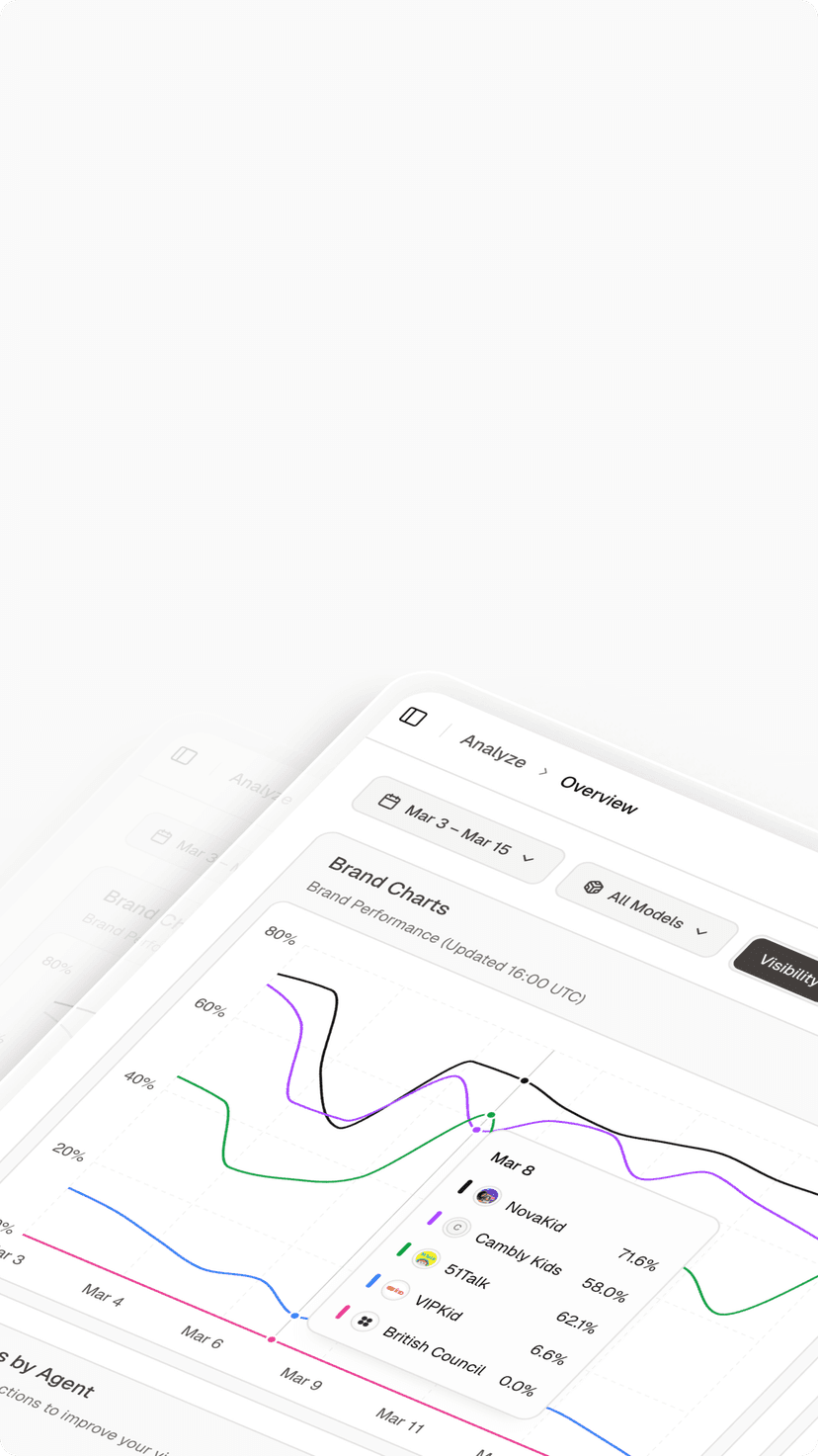
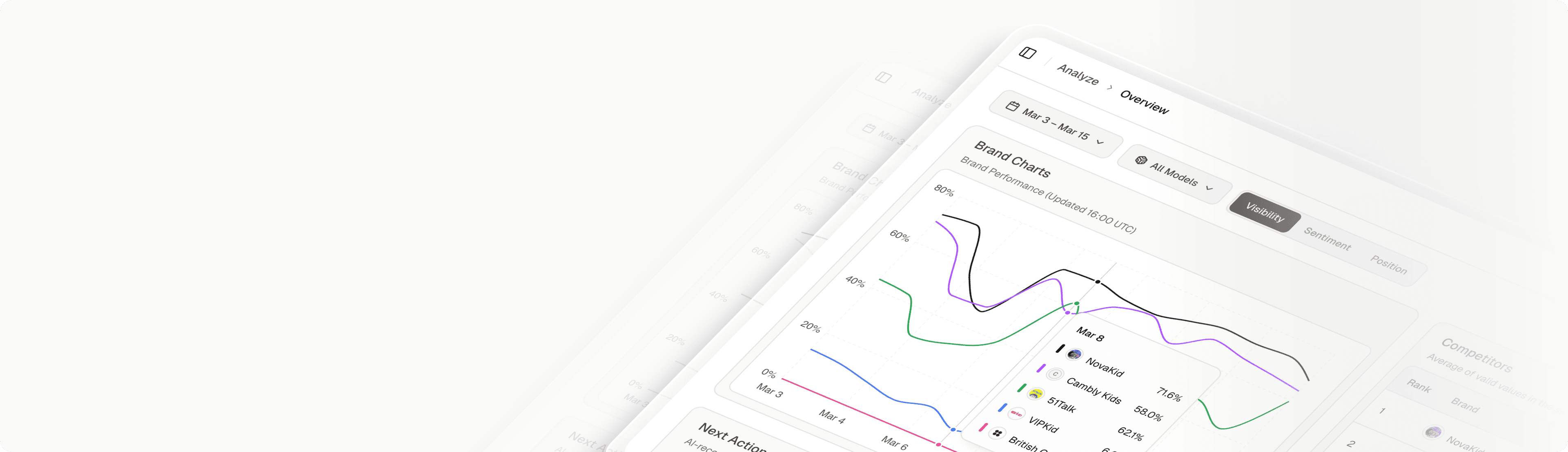
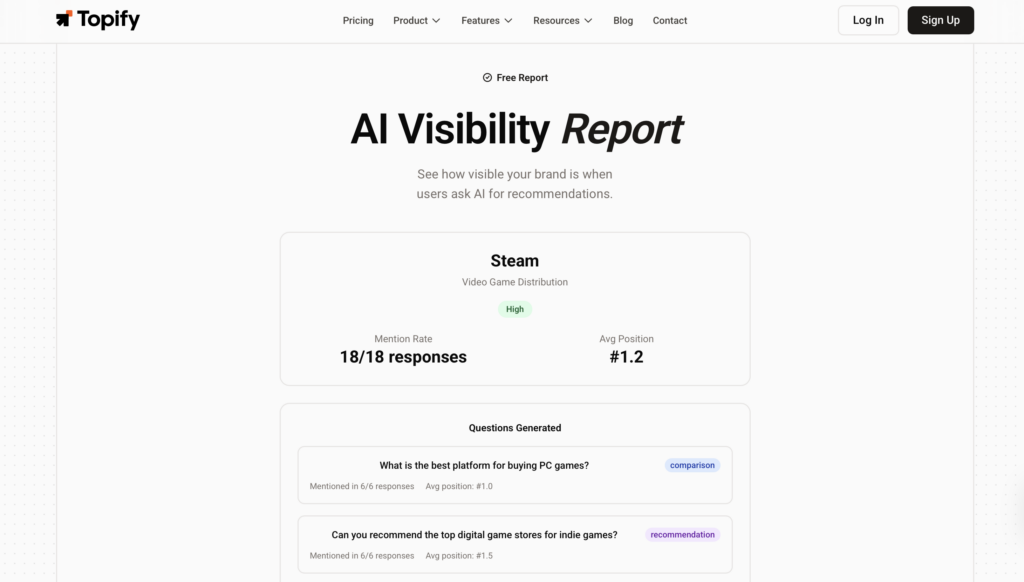
The gap is measurable, and the check takes 60 seconds. Topify‘s AI Visibility Report scans how often AI models mention your brand across ChatGPT, Perplexity, Gemini, and Google AI Overviews, then breaks down your ranking position and platform-by-platform visibility.
✅ Free ⚡ Results in under a minute 🔒 No signup required
AI Visibility Report
What AI Actually Tells Developers When They Search for Tools
Developers don’t just Google “best game dev tools” anymore. They ask AI models directly, and those models return curated shortlists. The problem: AI recommendations in the game dev tools space are concentrated around a handful of names. If your tool isn’t on that shortlist, it’s functionally invisible to an increasingly large share of your target audience.
The AI Visibility Report gives you the raw data behind this. Here’s what each metric tracks and why it matters for game dev tool companies specifically.
Four Metrics That Decide If Developers Find Your Tool
| Metric | What It Measures | What It Means for Game Dev Tools |
|---|---|---|
| Mention Rate (%) | How often AI includes your brand when answering relevant prompts | Below 10%: AI doesn’t associate your tool with its category, even if developers use it daily |
| Ranking Position (1-10) | Where your brand appears in AI’s recommendation order | Position 4+: most developers stop reading after the top three suggestions |
| Provider Breakdown | Which AI platforms mention you (ChatGPT, Perplexity, Gemini, AI Overviews) | Gaps here mean you’re visible on one platform but invisible on another, and developers use all of them |
| Competitor Share | How much of the AI recommendation space competitors occupy | High competitor share with low own-share signals a positioning problem, not a product problem |
A game dev tool brand with a 35% mention rate on Perplexity but 4% on ChatGPT has a platform-specific visibility gap. That’s not a product issue. It’s a signal that the structured data, developer content, and community references feeding ChatGPT’s model aren’t strong enough to surface your brand.
Where Game Dev Tool Brands Typically Get Blindsided
Three patterns come up repeatedly when game dev tool companies run their first visibility report.
Pattern 1: Category mismatch. Your tool is an AI-powered texture generator, but AI models categorize it as a “design tool” instead of a “game dev asset tool.” The result: you show up when artists search for design software, but not when game developers search for production pipelines.
Pattern 2: Engine ecosystem invisibility. Your plugin works with both Unity and Unreal, but AI only mentions you in Unity-related prompts. Half your addressable market never sees you.
Pattern 3: Feature lag. AI describes your tool based on outdated documentation. Your latest SDK version added real-time multiplayer support, but the AI still recommends you only for single-player prototyping.
How to Run Your Visibility Check
Head to the AI Visibility Report, enter your brand name or domain, and get your cross-platform visibility breakdown. The report shows exactly which AI platforms mention you, how you rank against alternatives, and where the gaps are. No account needed, no email required.
The Prompts Game Developers Type Into AI (And Where Your Brand Lands)
Game dev tool discovery through AI isn’t a single market. It’s a set of micro-markets, each defined by the specific prompt a developer types. Your brand might rank first for one prompt category and not exist for another.
Here’s a sample of high-value prompts across the game development workflow. Each one triggers a different set of AI recommendations.
| AI Prompt Example | Developer Intent | What AI Typically Recommends |
|---|---|---|
| “Best AI tools for game asset generation 2026” | Production pipeline evaluation | Tools with strong visual portfolios and engine integrations |
| “Unity plugins for procedural level design” | Engine-specific tool search | Only tools with documented Unity compatibility |
| “Free game engine for indie developers” | Budget-constrained engine selection | Engines with free tiers and active community forums |
| “NPC behavior middleware for Unreal Engine” | Middleware evaluation for AAA pipelines | Tools with Unreal marketplace presence and enterprise docs |
| “Best coding assistant for game development” | Dev productivity tool search | General-purpose AI assistants with game dev use cases documented |
| “Audio tools for game sound design” | Specialized audio pipeline search | Tools with integration APIs and sample library features |
The developer asking about “Unity plugins for procedural level design” and the one asking about “best AI tools for game asset generation” are searching in completely different AI recommendation pools. Your visibility score in one tells you nothing about the other.
This is why a single AI visibility check matters. It doesn’t just tell you whether AI knows your brand. It tells you which specific prompt categories you’re winning, which ones you’re losing, and which ones you don’t exist in at all.
Three Patterns Shaping AI Visibility for Game Dev Tools
Developers Use AI to Choose Tools the Way They Used to Use Google
A 2024 Stanford and MIT study found that developers using AI coding assistants completed tasks up to 55% faster. That same behavior extends to tool discovery. Developers increasingly trust AI recommendations over traditional search results when evaluating which tools to adopt. 52% of game dev companies already use generative AI tools in production, and the number asking AI for tool recommendations is growing in parallel.
If your game dev tool isn’t in ChatGPT’s top three responses for your category, you’re missing a growing share of your pipeline. That’s not a theoretical risk. It’s a measurable gap you can check with a single AI visibility report.
AI Recommendations Fragment by Function, Not by Brand
Game dev tools don’t compete in one AI recommendation pool. They compete across dozens of functional micro-categories: asset generation, NPC behavior, level design, QA automation, audio, analytics, and more. A tool like yours might dominate AI recommendations for “procedural terrain generation” but be completely absent from “AI testing tools for mobile games.”
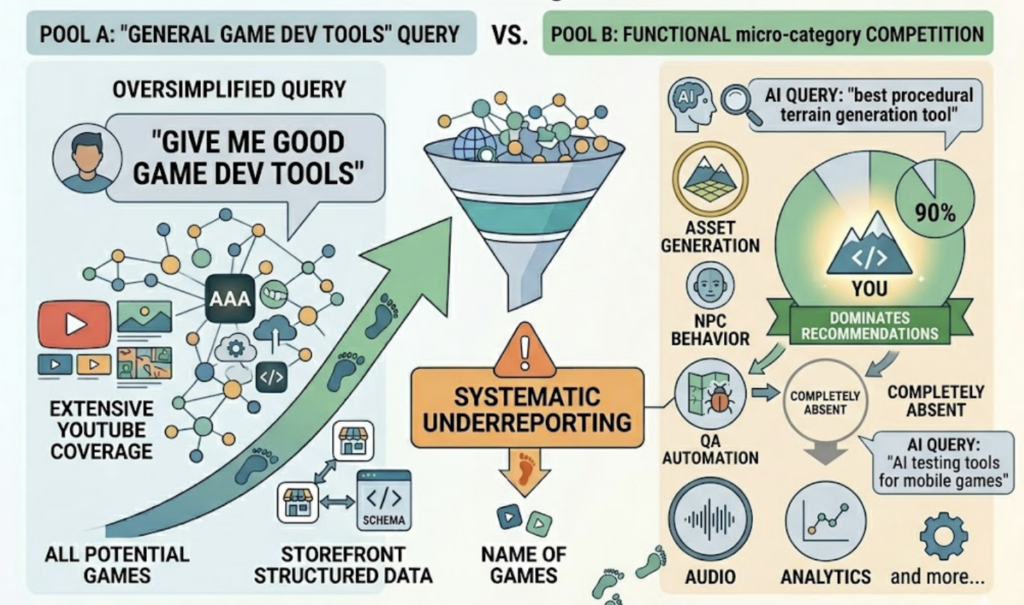
The fragmentation means a high overall brand awareness doesn’t guarantee broad AI visibility. You need to know your visibility score per prompt category, per AI platform. One check surfaces all of it.
AI Visibility Has an Engine Binding Effect
When developers ask AI, “Best tools for Unity game development,” the AI model doesn’t just rank tools by quality. It ranks them by perceived ecosystem fit. Tools with documented Unity integrations, Unity Asset Store presence, and Unity-specific tutorials get weighted heavily. The same tool with identical Unreal support might rank three positions lower in Unreal-related prompts simply because the signals feeding the model are weaker on that side.
This means game dev tool companies need to track AI visibility by engine ecosystem, not just by brand name. Your Unity visibility score and your Unreal visibility score are two separate numbers, and they require two separate optimization strategies.
From a One-Time Snapshot to Continuous Visibility Tracking
The AI Visibility Report gives you a clear picture of where you stand today. But AI models retrain, update their data sources, and shift their recommendation patterns on a rolling basis. A mention rate of 40% this month could drop to 15% next quarter if a competitor publishes a wave of structured developer content.
Topify‘s AI Visibility Checker picks up where the free report leaves off. It monitors your brand’s AI visibility continuously across ChatGPT, Perplexity, Gemini, and Google AI Overviews. You’ll see trend lines over time, get alerts when your rankings shift, and track how competitors move in and out of AI recommendations for your category.
Here’s how the free tool compares to the full platform:
| Capability | Free AI Visibility Report | Topify Platform |
|---|---|---|
| Check frequency | One-time snapshot | Continuous daily/weekly monitoring |
| AI platforms covered | Aggregated cross-platform score | Per-platform breakdown with trend history |
| Historical trends | None | Full visibility history with change alerts |
| Competitor tracking | Basic competitor share metric | Real-time benchmarking across all prompt categories |
| Prompt-level visibility | Not included | Per-prompt ranking and recommendation tracking |
| Action recommendations | General | Specific optimization steps with one-click execution |
Every plan starts with a 7-day free trial, no credit card required. The Starter plan begins at $99/month.
Conclusion
Game developers are asking AI which tools to use. The brands that show up in those answers get evaluated. The brands that don’t get skipped entirely.
Start with the data. Run your AI Visibility Report to see where your game dev tool stands across ChatGPT, Perplexity, Gemini, and Google AI Overviews. It takes under a minute and costs nothing.
While you’re checking your visibility, a few other free tools from Topify can fill in the picture. The Competitor Analysistool shows who AI considers your direct competitors and how your positioning compares. The Prompts Researcherreveals the exact prompts developers are typing into AI platforms in your category. And the Brand Authority Checkerscores how much AI models trust your brand across four key dimensions.
The first step is knowing where you stand. Everything else follows from that.
FAQ
Is the AI Visibility Report free? Do I need to sign up? Yes, it’s completely free. No account, no email, no credit card. Enter your brand name or domain and get your results in under 60 seconds.
What’s the difference between the free tool and Topify’s paid platform? The free AI Visibility Report gives you a one-time snapshot. Topify’s platform provides continuous monitoring with historical trends, competitor benchmarking, prompt-level tracking, and actionable optimization recommendations. Plans start at $99/month with a 7-day free trial.
How often should a game dev tool company check its AI visibility? At minimum, once per quarter. AI models update frequently, and your visibility can shift without any changes on your end. If you’re actively publishing developer content or launching new features, monthly checks help you track whether those efforts are translating into AI recommendations.
Does AI visibility vary between Unity-related and Unreal-related searches? Yes. AI models treat engine-specific prompts as separate recommendation pools. A tool can rank highly for Unity-related prompts and be absent from Unreal-related ones, even if it supports both engines. Checking visibility by engine ecosystem gives you a much more accurate picture.