
A publisher adds Google's Preferred Sources button to every page and counts clicks as success. The button receives attention, but the team cannot tell whether readers completed the preference flow, whether the placement interrupted reading, or whether any change in Google visibility came from the campaign. More exposure created more data, not necessarily more understanding.
The Preferred Sources button is an audience-development prompt with search implications. It should appear when a reader understands the publication's value, use copy that accurately describes the benefit, and feed a measurement plan that separates interaction from search outcomes. Placement, user experience, and instrumentation need to be designed together before the button goes live.
Choose JavaScript, custom, or deeplink implementation
Google's publisher guide for Preferred Sources documents three implementation paths. The standard JavaScript option loads Google's library and renders a localized, Google-styled button. An advanced implementation supports custom design assets and programmatic triggers. A deeplink sends the reader to Google's source-preference tool without requiring the interactive component.
The standard button is the practical default for most websites. Google recommends it because the user can add the source and return to the page through a supported flow. It also reduces the chance that a custom design implies a different outcome.
Use the advanced option when the design system requires a native component and the engineering team can preserve the documented interaction. Use a deeplink in environments where JavaScript cannot run, such as some newsletters, social posts, and restricted CMS surfaces.
| Implementation | Best use | Main advantage | Main caution |
|---|---|---|---|
| Standard JavaScript | Article pages and site modules | Localized supported experience | Requires script loading and testing |
| Advanced JavaScript | Design-system component | Visual control with documented flow | Custom UI can overpromise or break |
| Deeplink | Email, social, limited CMS | Works without the interactive script | More context switch and uncertain return |
The correct choice is the simplest option that preserves the user journey and the accuracy of the promise.
Ask after the reader has experienced value
Preference is a high-trust action. A first-time visitor who has read one sentence has little reason to change a Google setting. A subscriber who finished a useful investigation or completed newsletter signup has stronger evidence that the publication deserves priority.
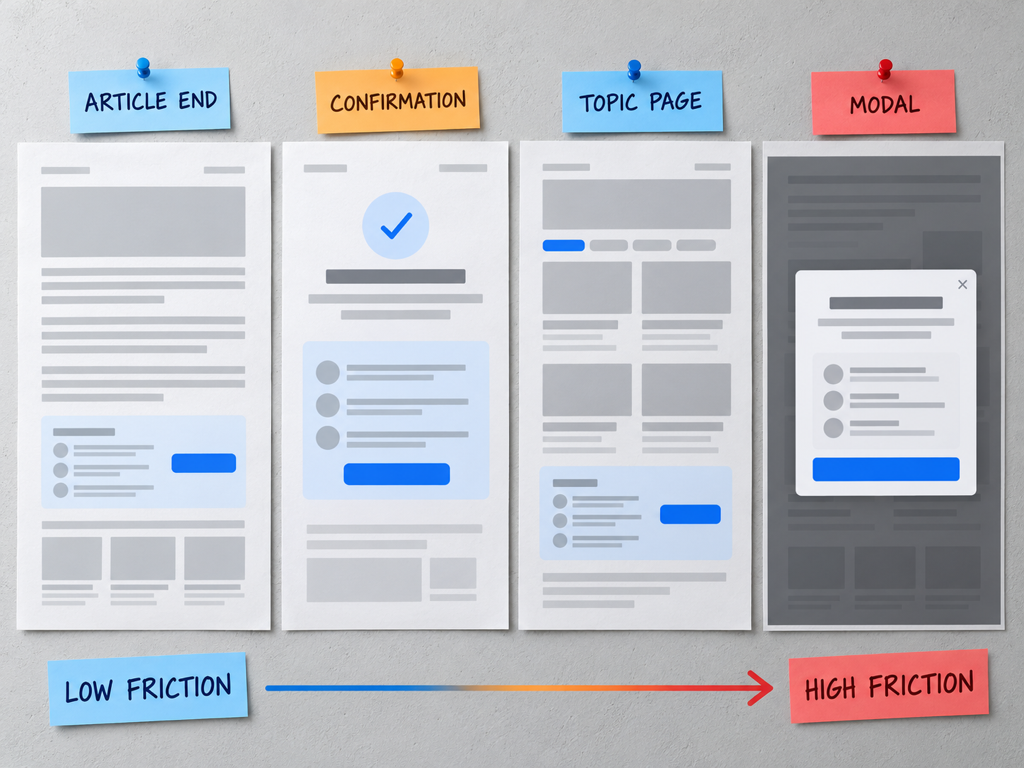
Test placements tied to value moments:
- after the article conclusion;
- near a newsletter confirmation;
- inside a membership onboarding sequence;
- on a returning reader's home feed;
- in an email that explains how source preference works;
- beside a “follow our coverage” module on a topic page.
Avoid immediate modal interruption, repeated sticky prompts, and placement that resembles consent or a required next step. The button should remain optional and easy to understand.
Frequency matters. A reader who dismissed the prompt should not see it on every page. Use a respectful cooldown and avoid showing the prompt to users who already signaled completion when that state is available to your own application.
Place the button without interrupting reading
The visual hierarchy should reflect the button's importance. It is secondary to the article, not the primary call to action on every page. Give it enough space to remain legible, but do not let it compete with subscription, purchase, or safety-related actions.
On mobile, verify that the button does not cover content, collide with browser controls, or create a cumulative layout shift when Google's script loads. Reserve space for the component and test translated labels, which may be longer than the English version.
The surrounding module should answer three questions in one glance:
- What action am I taking?
- Where will it happen?
- What benefit may I receive?
Keep the button close to the explanation that frames it. A detached icon in the header may earn accidental clicks without informed intent.
Write copy that sets accurate expectations
Google says preferred sources are more likely to appear in Top Stories for users who select them. In AI Mode and AI Overviews, eligible content can appear with a preferred badge. That language supports a careful promise, not a guarantee.
Useful supporting copy might say: “Add us as a preferred source to make our reporting more likely to appear in supported Google experiences.” It identifies the action, outcome, and uncertainty.
Avoid:
- “Guarantee our stories in your search results.”
- “Improve our Google ranking.”
- “Never miss an article.”
- “Make Google cite us in every AI answer.”
The CTA label itself should follow Google's standard implementation when possible. Put experimental copy in the explanatory module, where the publisher can test clarity without misrepresenting the control.
Define events, funnels, and experiment groups
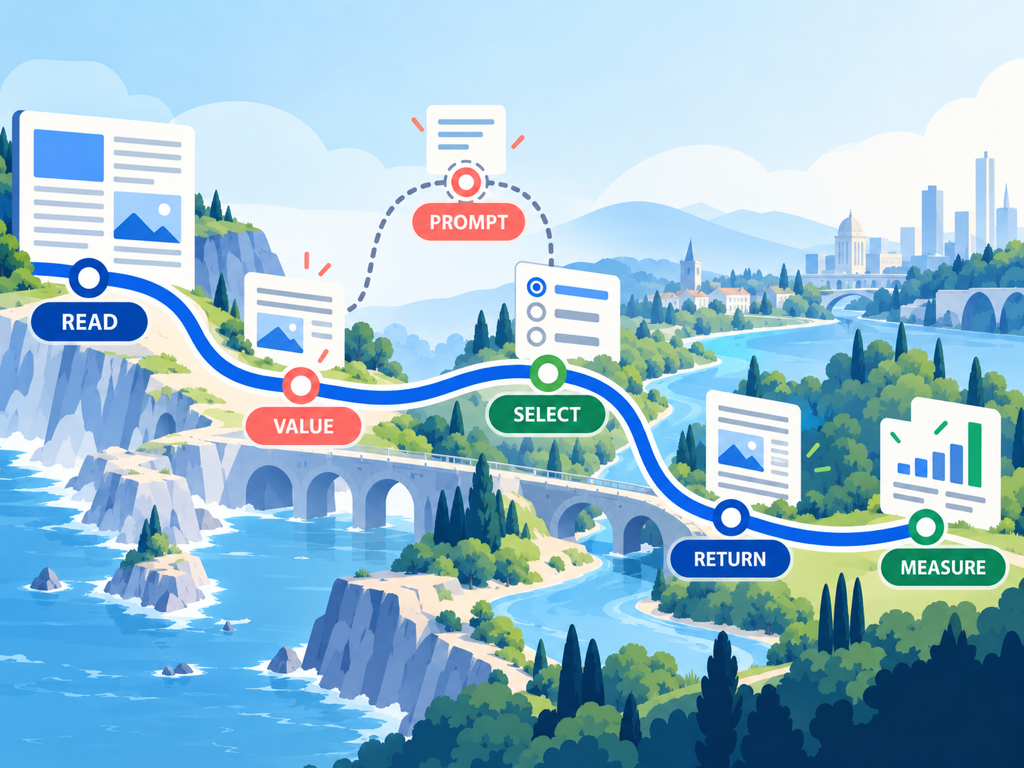
Instrument the campaign before launch. At minimum, capture module impressions, button interactions, implementation type, placement, page type, device class, and anonymous audience segment. Where the documented flow provides a reliable return or completion callback, capture it. Do not invent a completion event from a click alone.
The funnel is:
eligible module view → button interaction → Google preference flow → observable return → later readership or visibility outcome
Some steps may not be visible to the publisher. Mark them as unobserved rather than filling the gap with an assumed completion rate.
Use a randomized or matched holdout when traffic allows. Compare one placement at a time, and keep publishing cadence and other promotion stable. A newsletter campaign, home-page redesign, and button test launched together will make attribution much weaker.
Choose a primary metric that matches the stage. Button interaction rate measures prompt engagement. Returning-reader rate measures audience behavior. Preferred-badge impressions or AI citation observations measure separate downstream layers.
Avoid dark patterns and false success metrics
Do not disguise the button as a download, continue, cookie, or account-control action. The reader must understand that the selection happens in a Google experience and affects a preference there.
Raw clicks are easy to inflate with aggressive placement. That makes them a poor north-star metric. A higher-quality result combines informed interaction, low dismissal, no decline in reading completion, and later evidence that loyal readers continue to engage.
Watch performance and accessibility. The script should not create a slow main-thread task, broken keyboard order, missing focus state, or unreadable contrast. Test screen-reader output and custom implementations against Google's required behavior.
Separate technical errors from low interest. A sudden decline may come from a blocked script, consent rule, content security policy, or layout regression rather than audience fatigue.
Compare adoption with Topify visibility trends
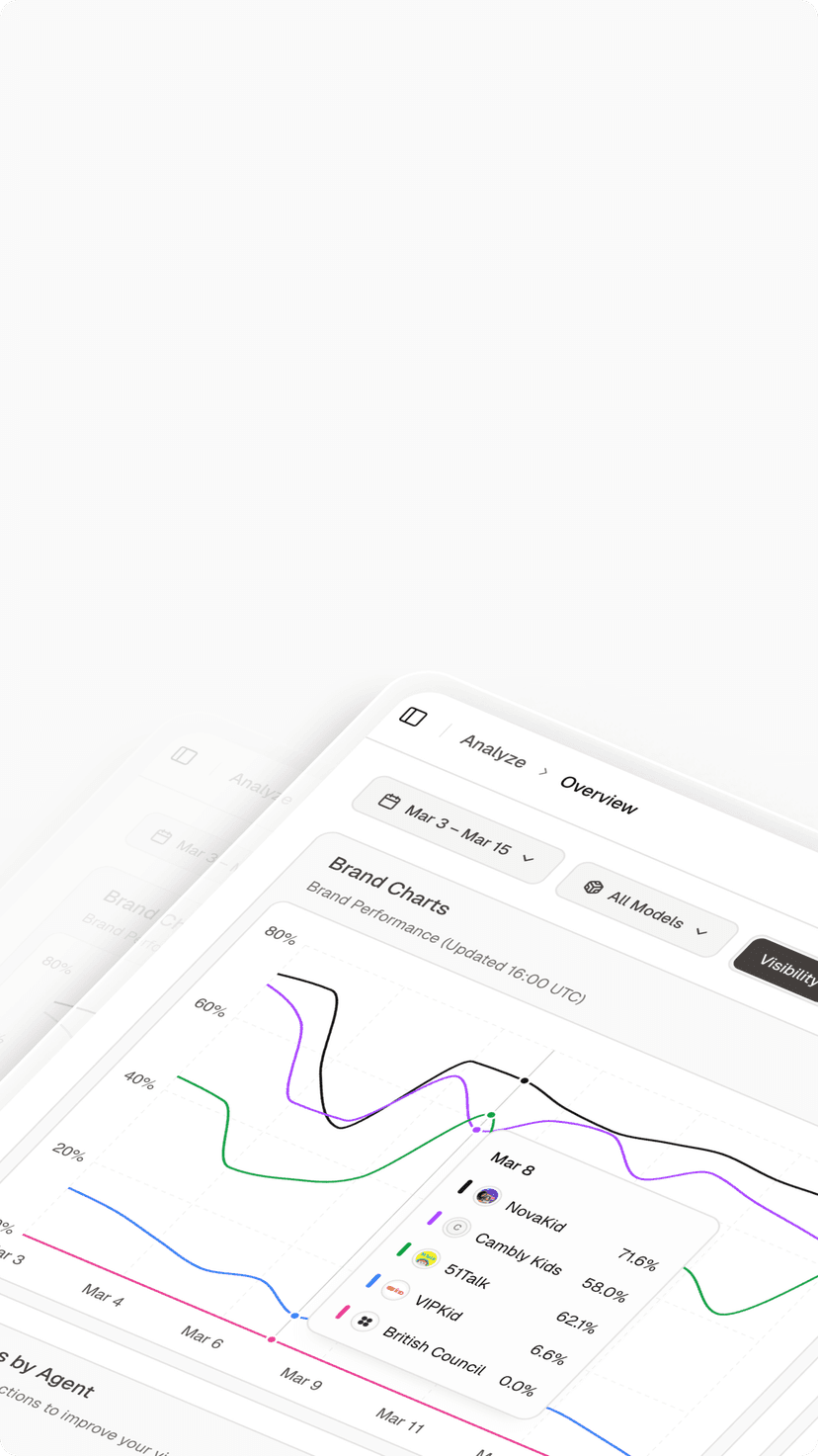
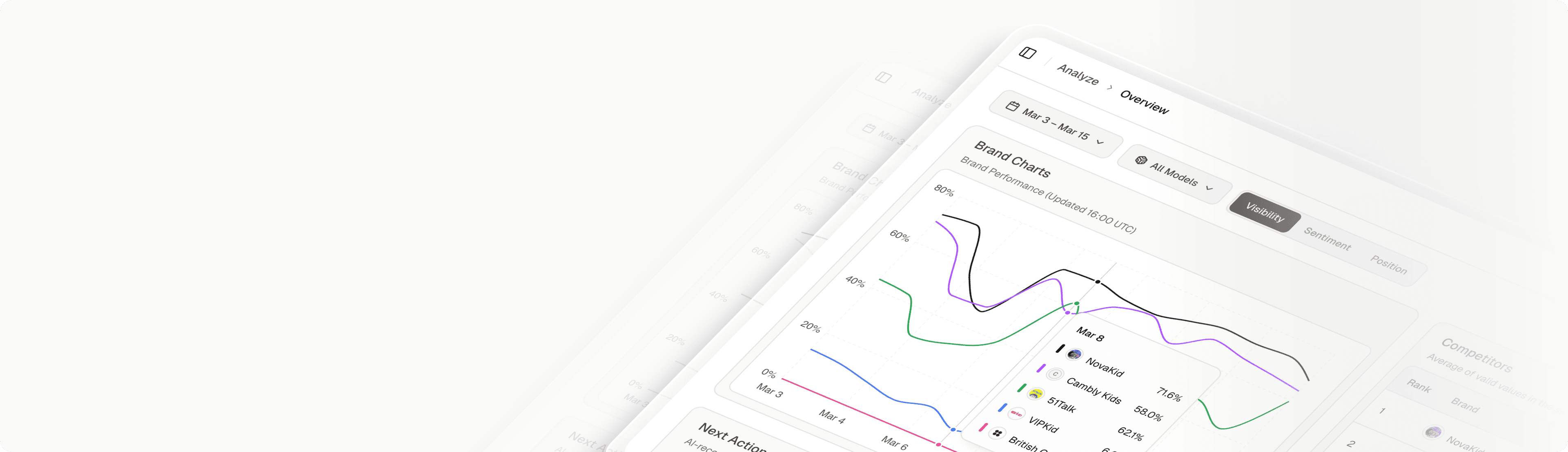
Topify can monitor the AI-answer layer while the publisher's analytics measures the button campaign. Before launch, define prompts connected to the publication's core topics and record baseline visibility, position, sentiment, and cited sources. Continue the same prompt set during the experiment.
Topify's public overview analytics documentation includes topic breakdowns, competitor rankings, provider filters, and time-series metrics. This helps the team see whether AI visibility moves during the same period, but it does not expose individual Google preference selections or prove that the button caused a change. Report the two datasets side by side. The related article AI Citations vs. Google Rankings: Track Both explains why citation evidence must remain distinct from rankings and traffic.
When interactions rise but citations do not, the campaign may still improve reader-controlled Top Stories exposure. When citations rise without more button use, content or broader authority may be the stronger explanation.
Conclusion
The Preferred Sources button works best as a respectful prompt after a publication has earned attention. Choose the simplest supported implementation, place it at a value moment, reserve space for mobile and translations, and describe the outcome as increased likelihood rather than guaranteed visibility. Instrument views, interactions, and observable returns before launch, then use a holdout to judge the placement.
Keep button adoption, readership, Google surface performance, and AI citations in separate layers. A Topify visibility-monitoring workflow can track the AI-answer layer while your product analytics evaluates the reader journey. The combined view reveals whether the campaign supports loyal readership without overstating what one click controls.
FAQ
Where should a Preferred Sources button appear?
Place it after a clear value moment, such as the end of an article, newsletter confirmation, or returning-reader module, rather than interrupting a first visit.
Should publishers use Google's standard button or a custom design?
The standard JavaScript implementation is the practical default. Use a custom design only when you can preserve Google's documented flow, accessibility, and accurate expectations.
Can a button click be counted as a completed preference?
Not automatically. Count a click as an interaction unless the implementation provides reliable evidence that the user completed the Google selection flow.
How long should a placement test run?
Run it long enough to cover normal audience cycles and produce a meaningful number of eligible views. Define the duration and minimum sample before launch rather than stopping on an early spike.