
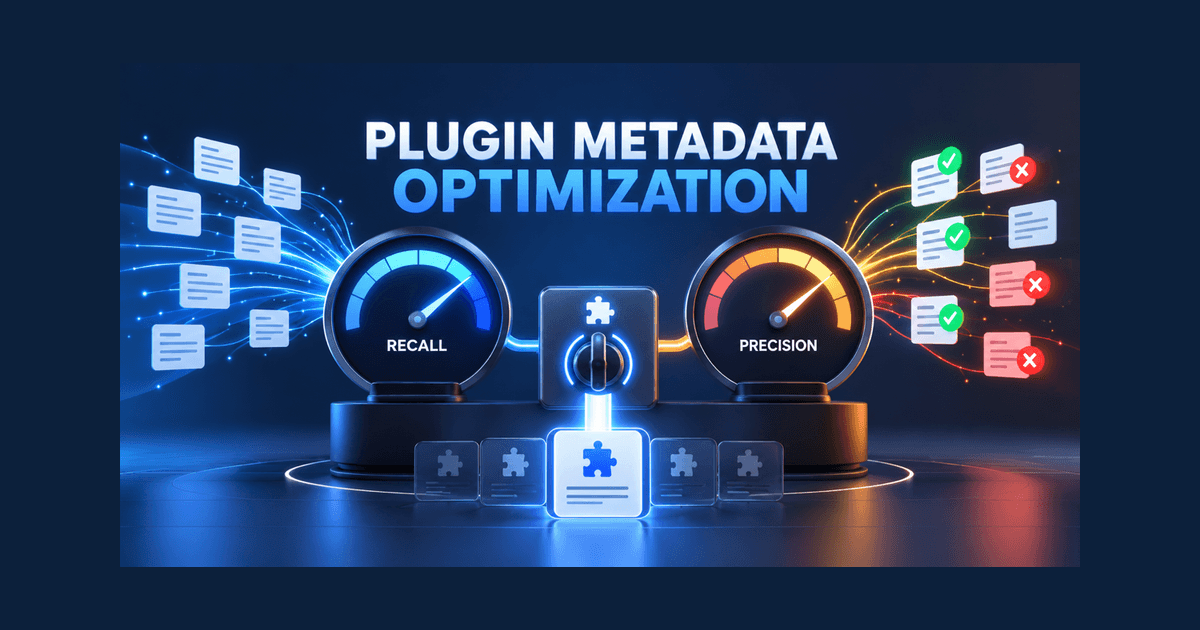
A plugin that never appears is invisible, but a plugin that appears for the wrong request is disruptive. Both problems often begin in metadata. Tool names are vague, descriptions repeat marketing language, parameters omit context, or broad category terms cause irrelevant matches. Plugin metadata optimization solves this by balancing recall, the ability to appear for valid requests, with precision, the ability to stay out of invalid ones. The goal is not maximum invocation. It is correct invocation. This guide turns that principle into a repeatable writing, testing, and monitoring process for tools used in ChatGPT and Codex.
Understand Precision and Recall in Tool Selection
OpenAI’s plugin metadata guidance frames metadata as an important input to tool selection in ChatGPT and Codex. Teams therefore need two measures.
Recall is the share of relevant test prompts for which the correct tool is selected. Precision is the share of tool selections that occur on prompts the tool can actually serve. A broad description can raise recall while lowering precision. A narrow description can protect precision while missing natural variations of a valid request.
The right target depends on the action. A read-only search tool may tolerate a small amount of ambiguity. A tool that sends a message, modifies a record, or spends money should have a much higher precision threshold and a clear confirmation step. Metadata cannot replace product safeguards, but it can reduce the number of inappropriate calls that reach them.
| Prompt outcome | What it means | Likely response |
|---|---|---|
| Correct tool selected | Desired match | Preserve wording and test variants |
| No tool selected | Recall failure | Add clearer intent and object language |
| Wrong tool selected | Routing conflict | Differentiate names and descriptions |
| Tool selected for unrelated request | Precision failure | Narrow scope and add explicit boundaries |
| Correct tool, wrong parameters | Schema clarity failure | Improve parameter names and descriptions |
Give Every Tool a Distinct Job
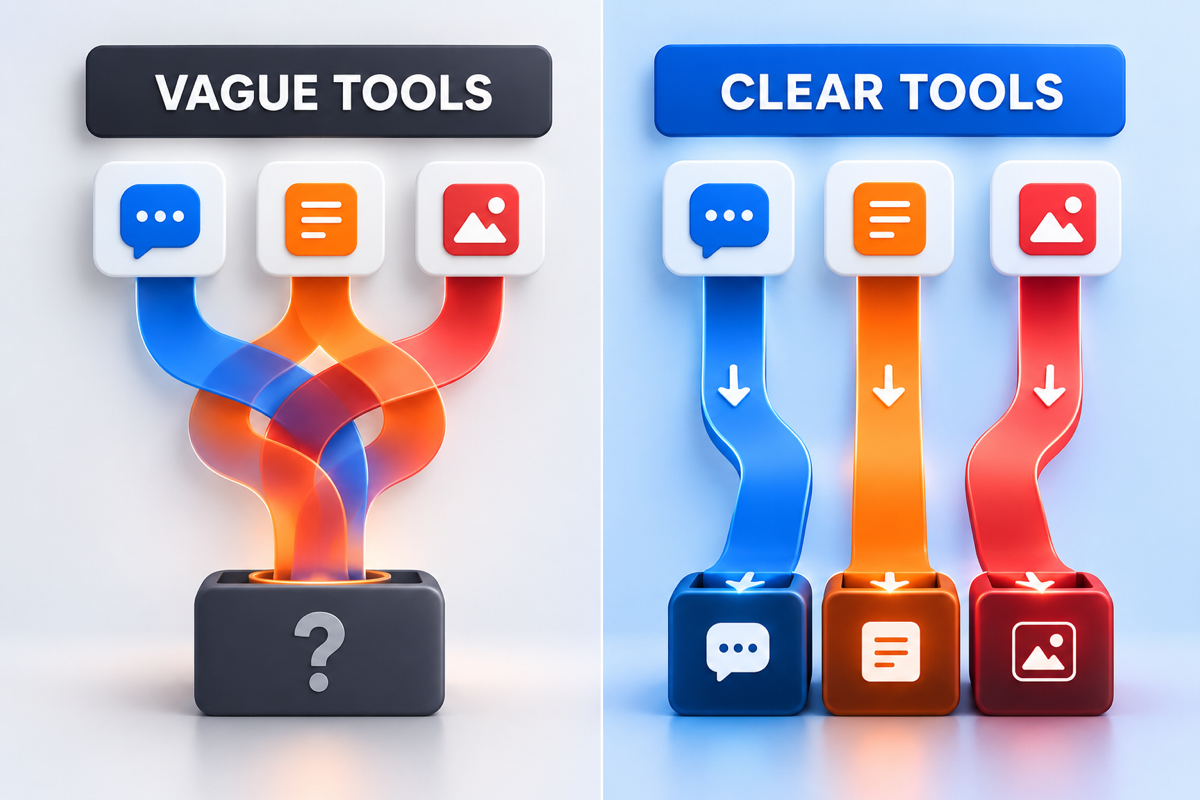
A plugin with several tools should make their boundaries obvious. Names such as search, analyze, and report may feel concise to the developer, but they do not identify the object or outcome. Prefer names that encode the actual job, such as search_ai_citations, compare_brand_visibility, or export_visibility_report.
The description should answer four questions:
- What action does the tool perform?
- What object does it act on?
- When should it be used?
- What does it return or change?
A useful pattern is: “Use this tool to [verb] [object] when the user wants [specific outcome]. It returns [structured result].” Add an exclusion only when adjacent intent causes real confusion. A short, explicit boundary such as “Do not use for academic citation formatting” can be valuable for a brand-citation tool.
Avoid copying the same sentence across every tool. Overlapping descriptions force the model to choose among nearly identical candidates. If two tools genuinely do the same job, merge them or clarify the difference in scope, data source, or output.
Write Parameters as Part of the User Contract
Parameter metadata is not an implementation footnote. It helps the model gather the correct inputs and helps a human understand why information is needed.
Use descriptive parameter names. brand_name communicates more than query; date_range communicates more than window. State whether a parameter is required, what format it accepts, and any important limit. If values come from an enumeration, describe the practical difference between options. If a parameter contains sensitive information, do not hide that fact behind a generic label.
Defaults deserve particular care. A default should match the safest, most common behavior. For a write action, the safest default may be no action until the user confirms. For a reporting tool, a common date range may be reasonable, but the output should disclose it so the user can interpret the result.
Annotations and action semantics should accurately signal whether a tool reads, creates, updates, or deletes data. Clear semantics improve trust and make it easier to design confirmation, error, and recovery states.
Test Direct, Indirect, and Negative Prompts
Metadata cannot be judged reliably by reading it in isolation. Build a golden prompt set that represents how people actually ask for help.
Direct prompts name the product, tool, or exact action. Indirect prompts describe the problem without using product terminology. Negative prompts contain related words but require a different capability. OpenAI explicitly recommends all three classes because positive-only testing can conceal serious precision problems.
For a tool that compares AI search visibility, the set might include:
- Direct: “Compare our AI visibility with these three competitors.”
- Indirect: “Which brand gets mentioned most for enterprise expense software?”
- Negative: “Compare the visibility settings in these CSS files.”
- Negative: “Write a competitive positioning statement.”
Include short requests, detailed requests, misspellings, industry jargon, and ambiguous language. Record selection, parameter collection, execution success, and answer usefulness separately. A correct invocation that produces an unusable answer is still a product failure, but it is not necessarily a metadata failure.
Improve One Metadata Field at a Time
When a test fails, resist the urge to rewrite the name, description, schema, and prompts simultaneously. Change one field, rerun the fixed test set, and compare the result.
Use a simple experiment log:
- Failure observed.
- Hypothesis about the cause.
- Single field changed.
- Expected precision or recall effect.
- Test result.
- Decision to keep, revise, or revert.
This creates institutional memory. It also prevents a common cycle in which a team broadens copy to solve a recall problem, later narrows it to solve a precision problem, and never realizes it has returned to the original language.
Version the golden prompts alongside metadata. A new capability may require new positive prompts and new negative boundaries. A removed capability should trigger tests confirming that its old requests no longer route to the plugin.
Use Market Language Without Keyword Stuffing
Good metadata contains the words users naturally use, but it should not be a comma-separated synonym list. Start with intent clusters gathered from support conversations, sales notes, product searches, and public AI prompts. For each cluster, identify the job, object, and expected output.
Topify’s Prompt Discovery can help teams examine relevant question patterns in the broader AI-search market. That evidence can inform a golden prompt set and expose terminology that internal teams overlook. It should not be treated as plugin invocation telemetry. Actual selection logs and test results remain the source of truth for plugin performance.
Translate validated language into clear sentences. If users say “Who does ChatGPT recommend for payroll automation?” a visibility tool can mention brand recommendations and category comparisons naturally. Repeating “ChatGPT recommendation tool, AI recommendation tool, LLM recommendation tool” adds noise without clarifying the supported action.
Monitor Drift After Release
Metadata performance can change even when the text does not. Users adopt new language, the product adds capabilities, adjacent plugins enter the directory, and model behavior evolves. OpenAI recommends ongoing analysis rather than a one-time launch test.
Review the golden prompt set weekly during the first month and after any material release. Then move to a cadence that matches usage and risk. Watch for:
- A decline in correct selections for previously stable prompts.
- New false positives concentrated around one term.
- Users repeatedly rephrasing the same request.
- Abandoned flows after a tool is selected.
- Parameters that require frequent manual correction.
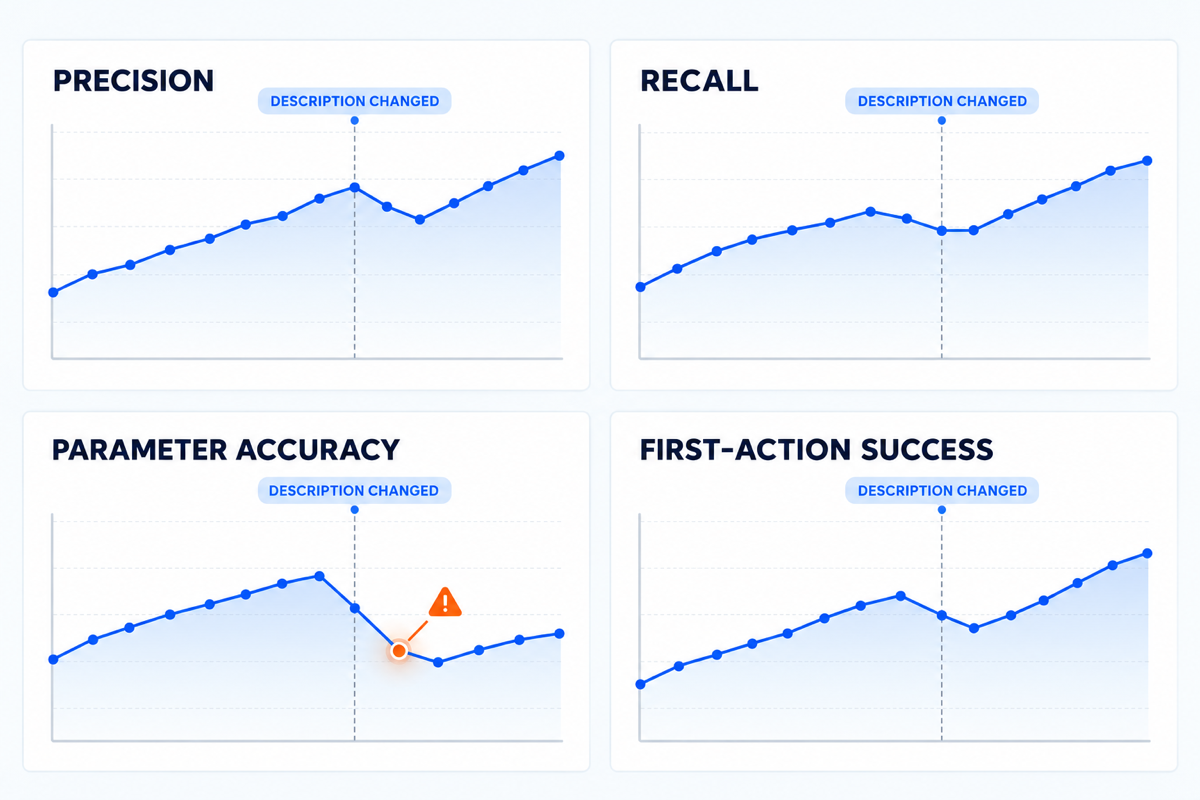
If a metric changes, inspect release history and prompt-level results before editing. A product bug, authentication failure, or slow response can look like a discovery problem when users abandon the tool. Diagnose the correct layer first.
Create a Metadata Quality Checklist
Before release, confirm that each tool has a unique name, a concrete verb, a specific object, a realistic output, and a clear boundary. Confirm that parameters use human-readable labels and documented formats. Test direct, indirect, and negative prompts. Review high-impact actions for confirmation and recovery. Finally, verify that directory claims match actual behavior.
This checklist is deliberately small. The objective is not perfect prose. It is consistent evidence that the metadata helps the right request reach the right capability.
Conclusion
Plugin metadata optimization works when precision and recall are managed together. Clear tool jobs improve routing, explicit parameters reduce execution errors, negative prompts expose overreach, and controlled experiments prevent accidental regressions. Write metadata as a retrieval interface, test it as software, and monitor it as user behavior changes. That approach produces reliable discovery without turning every adjacent prompt into an unwanted invocation.
FAQ
What is plugin metadata optimization?
It is the process of improving tool names, descriptions, parameters, annotations, and prompt coverage so a model selects the correct tool for relevant requests and avoids it for unrelated ones.
What is the difference between precision and recall?
Recall measures how often a tool appears for valid requests. Precision measures how often its appearances are actually valid. Strong metadata balances both.
Should tool descriptions include negative instructions?
Only when a recurring adjacent intent causes confusion. A specific exclusion can help, but a long list of negatives may make the description harder to interpret.
How often should metadata be retested?
Retest after material product or metadata changes, weekly during an early launch period, and periodically afterward based on usage and risk.